I've spent the better part of a month filming everything from product close-ups to run-and-gun vlogs on my iPhone 17 Pro Max, and two accessories have completely changed how that footage looks and sounds: the DJI Osmo Mobile 8 gimbal and the DJI Mic Mini wireless microphone.
Individually, neither breaks new ground. But linked through DJI’s OsmoAudio ecosystem, they target the two quickest giveaways of amateur filmmaking at once: shaky movement and poor audio.
Why the Osmo Mobile 8 makes iPhone footage look intentional
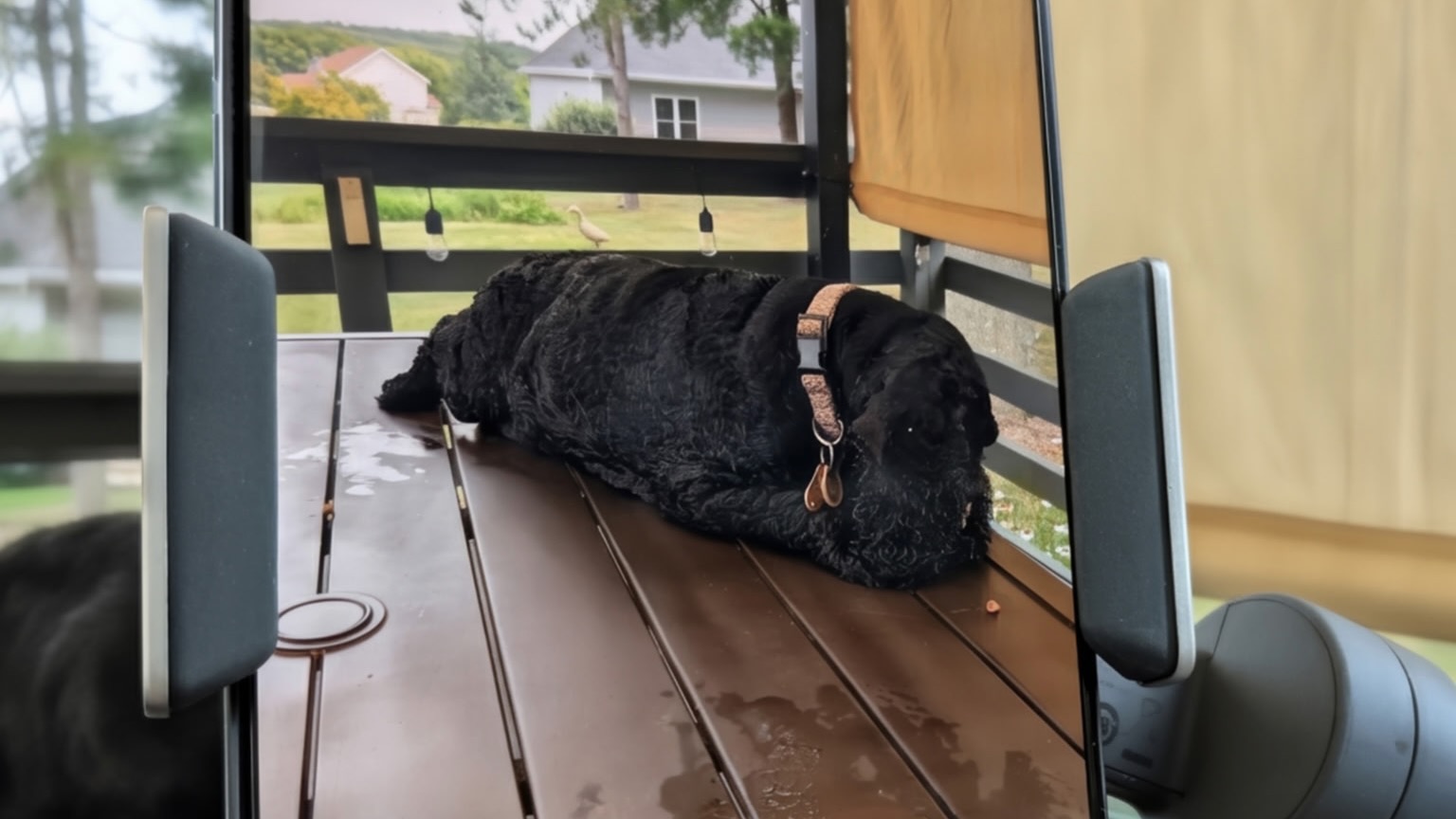
The Osmo Mobile 8 is one of DJI's smartphone gimbals, and the headline upgrade over its predecessor is 360-degree pan rotation. That means you can track a subject through a full 360-degree spin without hitting a mechanical dead-end mid-take. It seems incremental on paper, but eliminating that rotational hard stop saves you from constantly having to pause and reset your framing during walk-and-talk shots.
For iOS shooters, the real highlight is direct Apple DockKit integration. It hands subject tracking over to Apple's own framework and works across more than 200 iOS apps rather than being locked to DJI's Mimo app. Point the camera at yourself, tap to lock on, and the gimbal keeps you centered while you move around a room. The magnetic phone clamp holds the iPhone 17 Pro Max securely despite its size, and the built-in tripod and extendable rod mean I've stopped carrying a separate stick for low, sweeping shots or basic selfie-stick framing.
The multifunctional module clips to the top of the gimbal and acts as the setup's central hub, handling three jobs at once: fill light, tracking sensor, wireless mic receiver. It can be mounted facing forward or reversed, depending on whether you're filming someone else or yourself.
The Mic Mini keeps a low profile
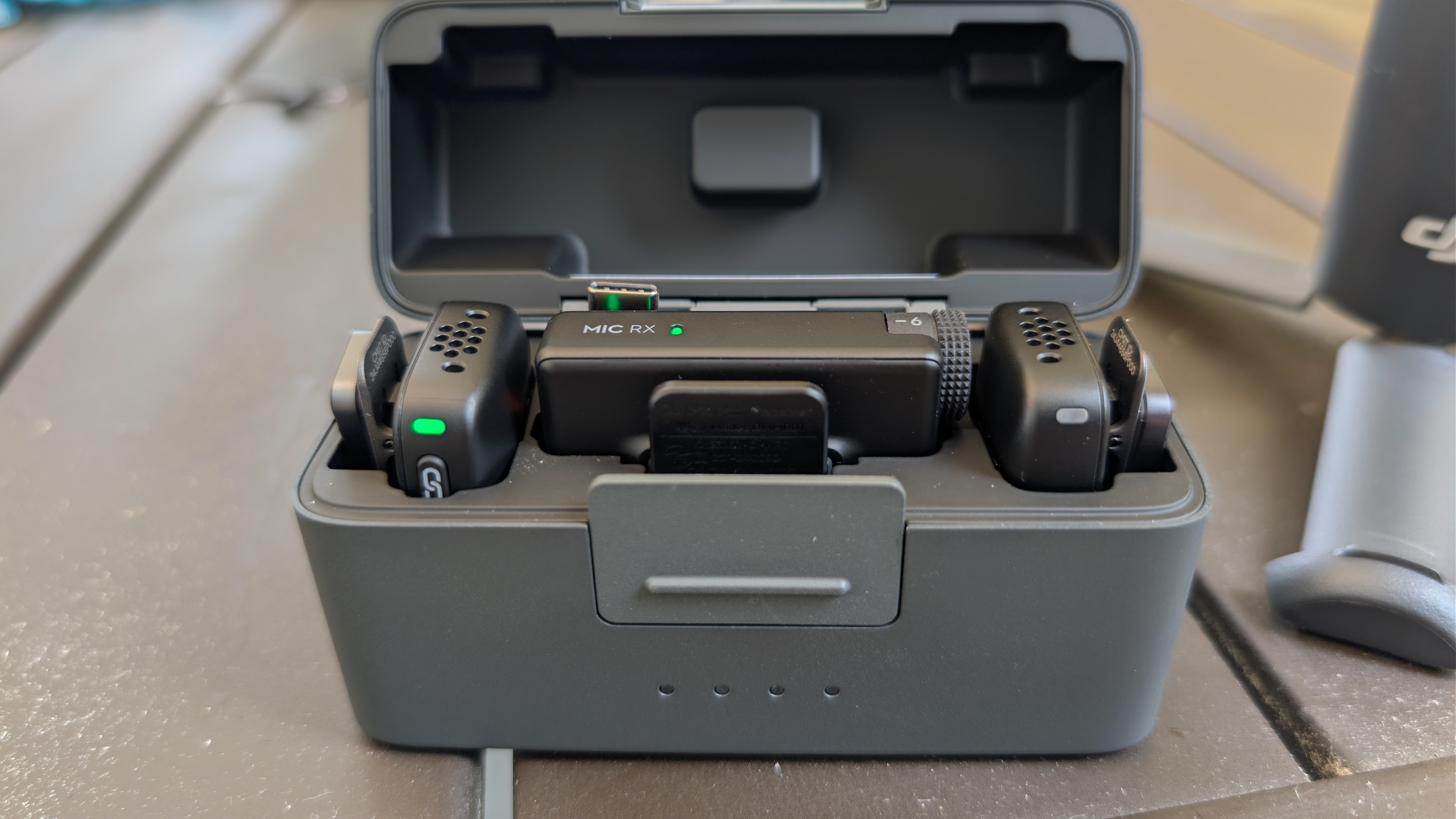
The DJI Mic Mini is a tiny wireless microphone system: the transmitter weighs about as much as a couple of paperclips and clips or magnet-mounts to a shirt collar without pulling the fabric down. It records 24-bit, 48kHz audio that punches well above its size class, and its two-level noise cancellation does a solid job of cutting background hum without making voices sound processed.
Setting it up is genuinely simple. The Mic Mini transmitter pairs directly with the multifunctional module on the Osmo Mobile 8 through OsmoAudio, so there's no separate receiver dongle hanging off your phone. Audio and video are captured together, in sync, from a single rig. Battery life is rated at roughly 11.5 hours on the transmitter, and the charging case extends that to about 48 hours total, so it's rarely the component that runs out first.
Take your video shooting to a new level
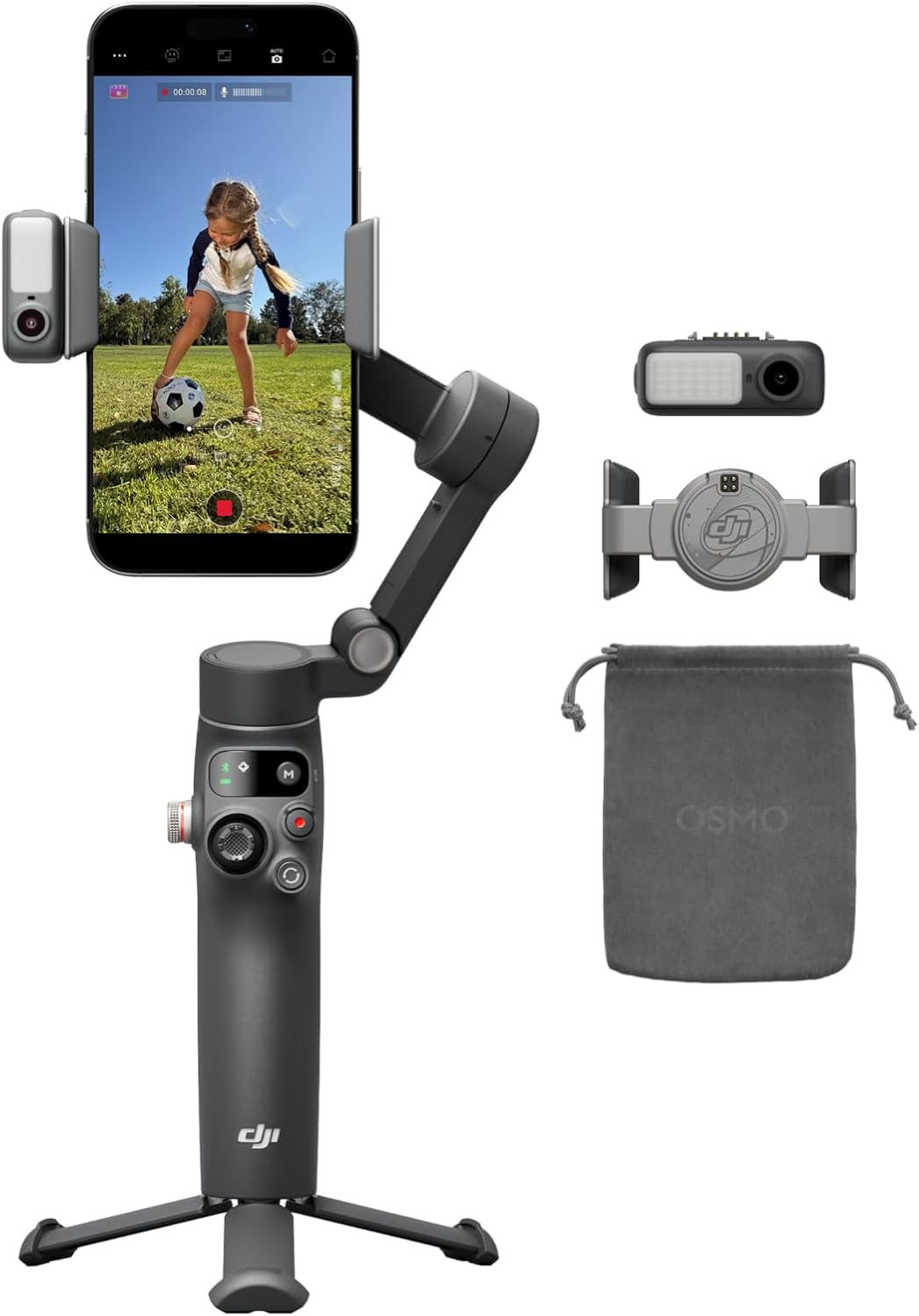
The DJI Osmo Mobile 8 brings a genuinely useful upgrade to smartphone stabilization, headlined by a pan axis that now spins a full 360 degrees, giving sweeping panoramic shots and unbroken tracking motion that older Osmo models couldn't manage. Setup is effortless thanks to a magnetic phone clamp paired with a built-in sensor that automatically detects the phone and balances the gimbal, and tracking has been upgraded too: the new ActiveTrack system follows human or pet subjects automatically, keeping them in frame even with zooming and gimbal movement after they've left the shot.
Read our DJI Osmo Mobile 8 review.
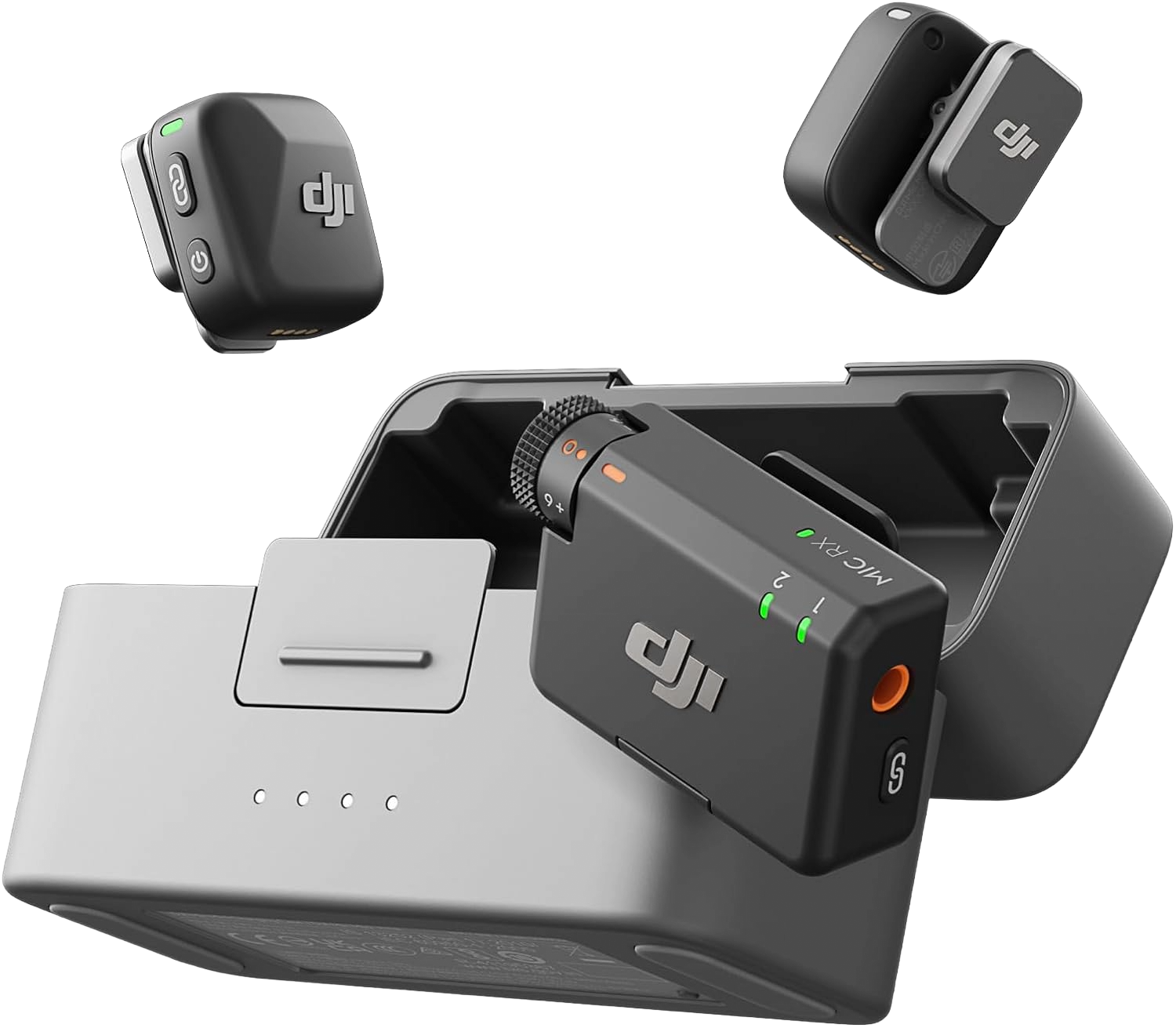
The DJI Mic Mini packs a lot of pro capability into a tiny footprint, built for creators who want great audio without carrying extra gear. The transmitter weighs just 10 grams, offering a lighter and more discreet wearing experience than the DJI Mic 2, with both magnetic and clip-on styles so it won't weigh down a collar or flip outward on thin fabric. Battery life is a standout: the transmitter and receiver run for roughly 11.5 and 10.5 hours respectively, and a fully charged charging case adds about 3.6 more charges for a total of 48 hours of use — ideal for long interviews, travel, or all-day shoots.
Read our DJI Mic Mini review.
Why they're better together, and still useful apart
Clipped onto the gimbal, the pair works as one cohesive system: the Mic Mini feeds audio straight into the recording alongside DockKit-tracked video, and small indicator lights on the module confirm the mic is connected without needing to check an app. That's the setup I use for anything scripted, since it means one rig, one battery to monitor, and zero trailing cables.
But the Mic Mini doesn't need the gimbal to be useful. Its separate mobile receiver plugs into the iPhone's USB-C port directly, so I can use it for a sit-down interview or a desk-based talking-head video with the gimbal left at home. It also pairs over Bluetooth straight to a phone, though that route caps out at a lower sample rate than the wired or OsmoAudio connection, so I only reach for it when convenience matters more than audio fidelity.
Real-world friction and useful tips
The Osmo Mobile 8 relies heavily on the DJI Mimo app to unlock its full feature set, and there's a learning curve before the gimbal feels natural rather than fiddly. It's also bulkier than a pocket-sized alternative like DJI's Osmo Pocket line, so it's not something you toss in a jacket pocket on the way out the door. That said, setup friction on the iPhone 17 Pro Max is minimal, as its USB-C port means charging and wired audio just work without requiring adapters.
A couple of practical tricks worth knowing: the gimbal features a hidden "Keep Composition" behavior. If you manually nudge a tracked subject off-center—say into the left third of the frame—it remembers that offset and holds that composition on future tracking shots rather than forcing the subject back to center. And if you ever need to unpair the gimbal from a phone without navigating Bluetooth menus, holding the shutter button, switch button, and trigger simultaneously for two seconds forces a hard reset of the connection.
A month in, this is the fastest upgrade I've made to my footage — faster than any editing trick. Fix the shake and the audio at the source, and the clip just looks like it came from a real camera.
from Latest from TechRadar https://ift.tt/6AD2Rct